MW0.0792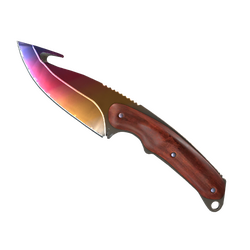
-26%
★ Gut Knife
Fade
$157.73 5,836.01

Köp CS2-skins med ditt saldo. Filtrera efter slitage, float och kategori — trades levereras till ditt Steam-konto.
★ Gut Knife
Fade
$157.735,836.01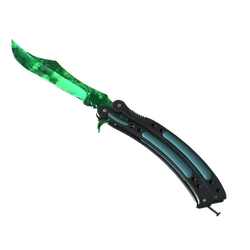
★ Butterfly Knife
Gamma Doppler Emerald
$8,000.00296,000.00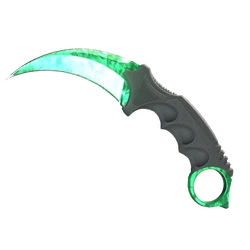
★ Karambit
Gamma Doppler Emerald
$7,432.31274,995.47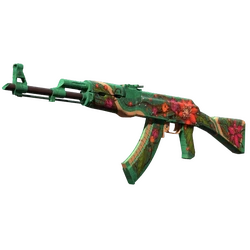

AK-47
Wild Lotus
$15,113.16559,186.92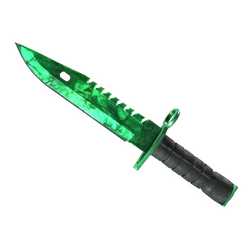
★ M9 Bayonet
Gamma Doppler Emerald
$6,591.22243,875.14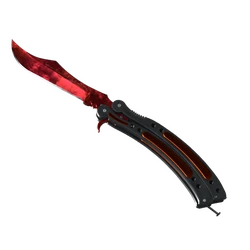
★ Butterfly Knife
Doppler Ruby
$10,096.38373,566.06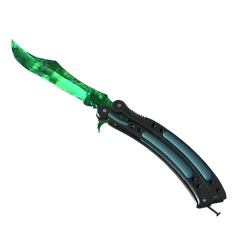
★ Butterfly Knife
Gamma Doppler Emerald
$9,535.45352,811.65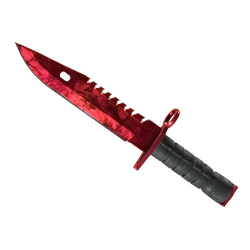
★ M9 Bayonet
Doppler Ruby
$8,122.31300,525.47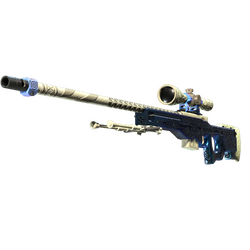


AWP
Gungnir
$11,832.28437,794.36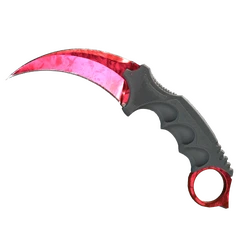
★ Karambit
Doppler Ruby
$8,291.44306,783.28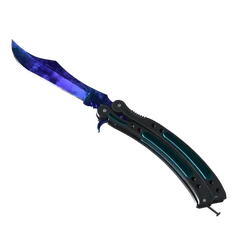
★ Butterfly Knife
Doppler Sapphire
$6,899.20255,270.40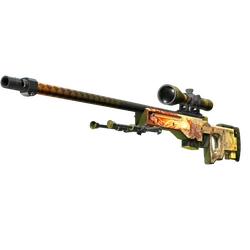
AWP
Dragon Lore
$10,833.68400,846.16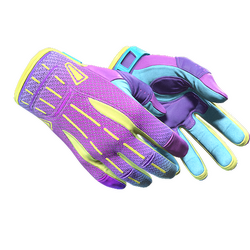
★ Sport Gloves
Ultra Violent
$5,038.54186,425.98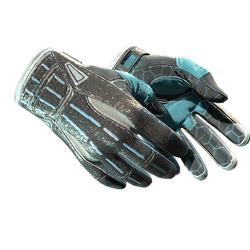
★ Sport Gloves
Superconductor
$7,780.75287,887.75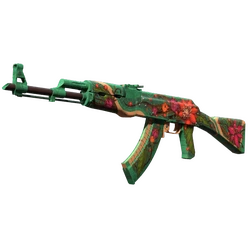
AK-47
Wild Lotus
$10,015.91370,588.67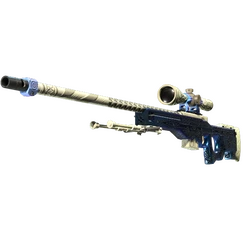

AWP
Gungnir
$10,448.64386,599.68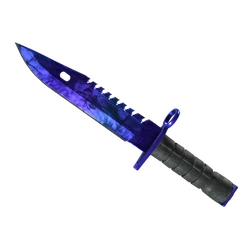
★ M9 Bayonet
Doppler Sapphire
$4,829.80178,702.60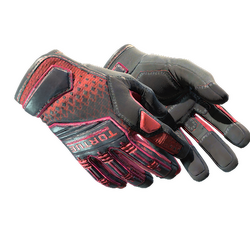
★ Specialist Gloves
Crimson Kimono
$11,363.97420,466.89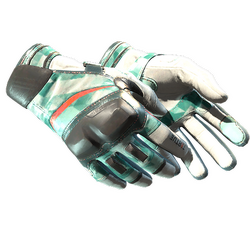
★ Moto Gloves
Spearmint
$5,588.81206,785.97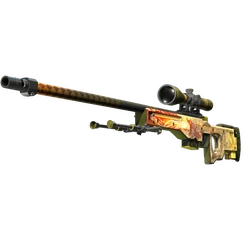
AWP
Dragon Lore
$9,335.81345,424.97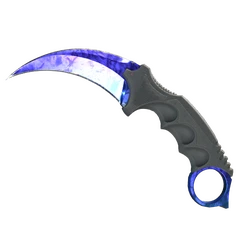
★ Karambit
Doppler Sapphire
$5,294.93195,912.41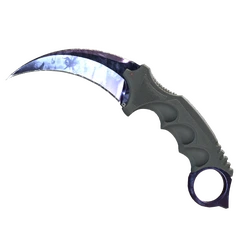
★ Karambit
Doppler Black Pearl
$8,242.35304,966.95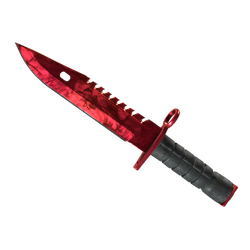
★ M9 Bayonet
Doppler Ruby
$8,543.54316,110.98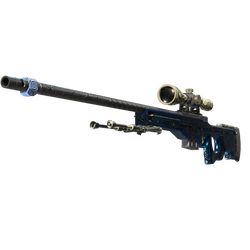

AWP
Gungnir
$6,965.76257,733.12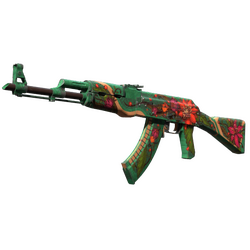

AK-47
Wild Lotus
$7,556.84279,603.08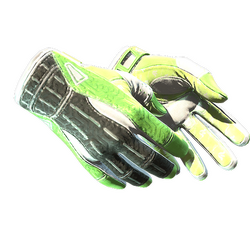
★ Sport Gloves
Hedge Maze
$7,080.04261,961.48


AWP
Gungnir
$7,250.65268,274.05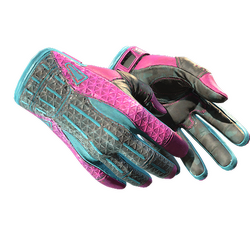
★ Sport Gloves
Vice
$6,098.02225,626.74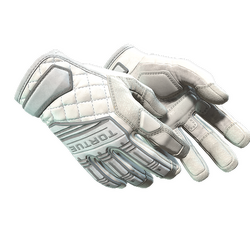
★ Specialist Gloves
Pillow Punchers
$4,693.23173,649.51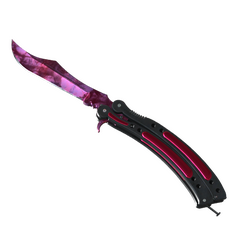
★ Butterfly Knife
Doppler Phase 2
$4,829.80178,702.60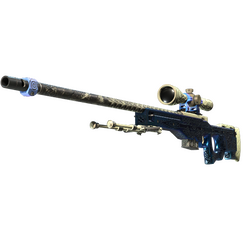

AWP
Gungnir
$8,434.44312,074.28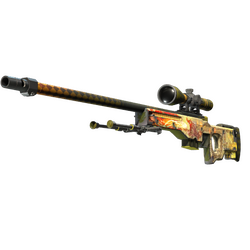

AWP
Dragon Lore
$6,371.04235,728.48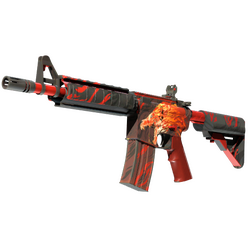

M4A4
Howl
$7,111.31263,118.47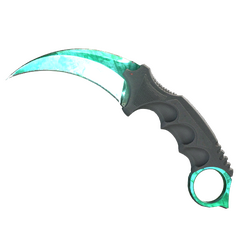
★ Karambit
Gamma Doppler Phase 2
$2,872.15106,269.55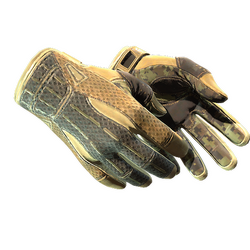
★ Sport Gloves
Arid
$4,941.83182,847.71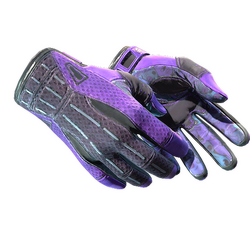
★ Sport Gloves
Pandora's Box
$5,220.95193,175.15
★ Butterfly Knife
Gamma Doppler Phase 2
$2,126.7878,690.86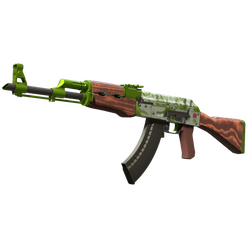
AK-47
Hydroponic
$3,323.17122,957.29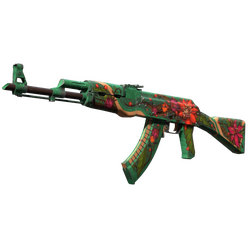

AK-47
Wild Lotus
$5,183.82191,801.34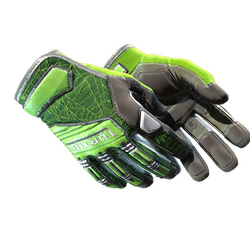
★ Specialist Gloves
Emerald Web
$5,273.45195,117.65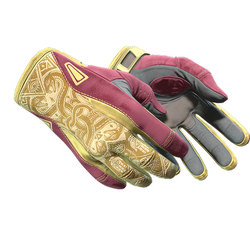
★ Sport Gloves
Occult
$1,901.1170,341.07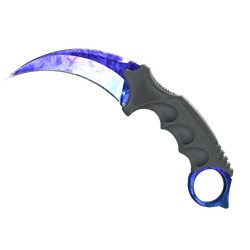
★ Karambit
Doppler Sapphire
$4,716.66174,516.42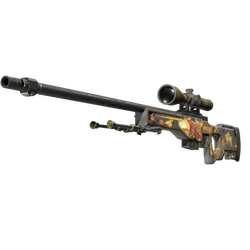

AWP
Dragon Lore
$4,850.00179,450.00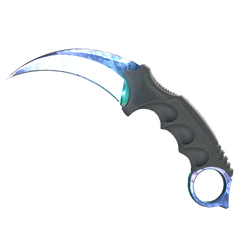
★ Karambit
Gamma Doppler Phase 1
$1,921.2371,085.51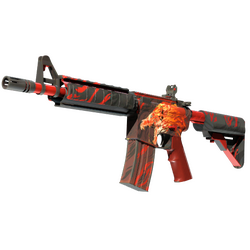


M4A4
Howl
$5,550.42205,365.54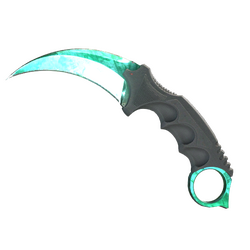
★ Karambit
Gamma Doppler Phase 2
$2,355.1987,142.03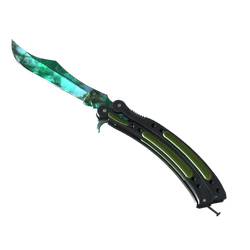
★ Butterfly Knife
Gamma Doppler Phase 2
$4,524.08167,390.96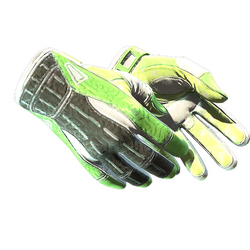
★ Sport Gloves
Hedge Maze
$4,006.94148,256.78The CSRAGE marketplace is where you buy Counter-Strike 2 skins using your platform balance. Listings cover knives, gloves, rifles, pistols, SMGs, snipers, stickers, and more. Each card shows price, wear, float when available, and delivery timing so you can compare offers before you checkout.
Browse by category or weapon, filter by Factory New through Battle-Scarred, StatTrak™ or Souvenir, price range, and float. Open any listing for exteriors, similar orders, paint seed, and in-game inspect links. Purchases use your CSRAGE balance; after checkout, a Steam trade offer is sent to the trade URL saved in your account settings.
You can scroll and filter without signing in. Checkout requires a signed-in account and a valid Steam trade URL. Delivery speed depends on the listing — instant-ready offers are prioritised in the default catalog. Unavailable or sold items fall out of stock; similar listings for the same skin remain on the detail page.
Find a listing with search or category filters, open the item page (or add it to your cart from the grid), then checkout. Your CSRAGE balance is held and a Steam trade offer is created for the skin. Accept the trade in Steam using the trade offer link from your purchase history. You need to be signed in and have a Steam trade URL saved in Settings before checkout will succeed.
Yes for checkout. Purchases are delivered as Steam trade offers to the trade URL linked on your CSRAGE account. You can browse listings while logged out, but before buying open Settings, paste your Steam trade URL from your Steam privacy settings, and save it. Without a valid trade URL, checkout is blocked so skins are not purchased with nowhere to send them.
Marketplace purchases use your CSRAGE balance in coins — there is no separate card form on the buy button. Deposit or play to fund your balance first, then checkout. The listed price is what is deducted on a successful purchase. If a purchase fails (item gone, trade failure, timeout), failed or refunded statuses return funds per the purchase status in your cart history panel.
Delivery depends on the listing. The marketplace defaults to instant-ready inventory where possible. After purchase, status moves through processing and trade-sent until you accept on Steam. Exact minutes vary by seller inventory and Steam availability; open the purchase in your history for the trade offer link and current status.
Wear (Factory New, Minimal Wear, Field-Tested, Well-Worn, Battle-Scarred) is the condition label Steam uses for painted skins. Float is a higher-precision value inside that wear band — lower float is usually cleaner looking within the same exterior. Filter by wear and float on the browse page, and inspect float on item pages when the listing provides it.
Yes. Use the type filter on the browse sidebar for Normal, StatTrak™, or Souvenir (or any). Catalog pages for a category or weapon support the same type and wear filters so you can narrow a knife line or rifle finish before opening a specific listing.
Steam Market trades Steam Wallet and Steam inventory with Steam’s fees and region rules. On CSRAGE you spend your platform balance; sellers fulfill via external skin inventory and Steam trades to your trade URL. Prices, fees, and stock are independent of Steam Market. Always compare total cost and delivery terms before buying.
Marketplace stock turns over quickly. If the item is no longer available, checkout fails for that line and it will not stay on a completed-success status. Use the item page’s similar orders to pick another exterior or seller for the same skin name, or return to browse for fresh listings.
No. Category hubs, weapon catalogs, filters, and item detail pages are public. Sign-in is required to checkout, view purchase history, and keep a saved Steam trade URL. Guests can still evaluate prices, wears, and screenshots before creating an account.
Player selling from inventory is marked as coming soon. Today the marketplace focuses on buying available listings into your Steam inventory via trade. When listing opens, the sell panel and related settings will explain how inventory sells work on CSRAGE.